AI is not just the future anymore, it’s already part of the apps you use every day. From chatbots and image tools to voice assistants and smart recommendations, you can now add powerful AI features in just a few hours.
If you’ve been thinking “I should add AI to my app” but don’t know where to start, this list will help you.
In this post, I’ll share 11 AI APIs you can start using right away. These APIs let you add advanced features without building everything from scratch.
Let’s jump right into it! 🚀
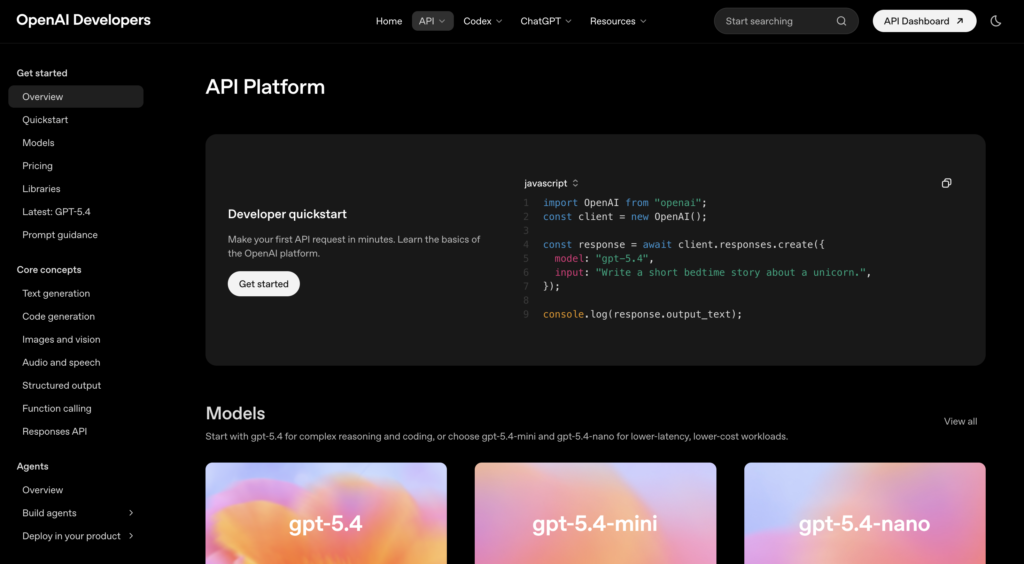
1. OpenAI API
If you want to add:
- Chatbots
- AI assistants
- Content generation
- Code helpers
This is usually the first choice.
Why it’s useful:
- Natural conversations
- Great for SaaS tools, support bots, writing tools
- Can also generate images and embeddings
Use cases:
- AI writing assistant
- Customer support chatbot
- Code explanation tool
2. Anthropic Claude API
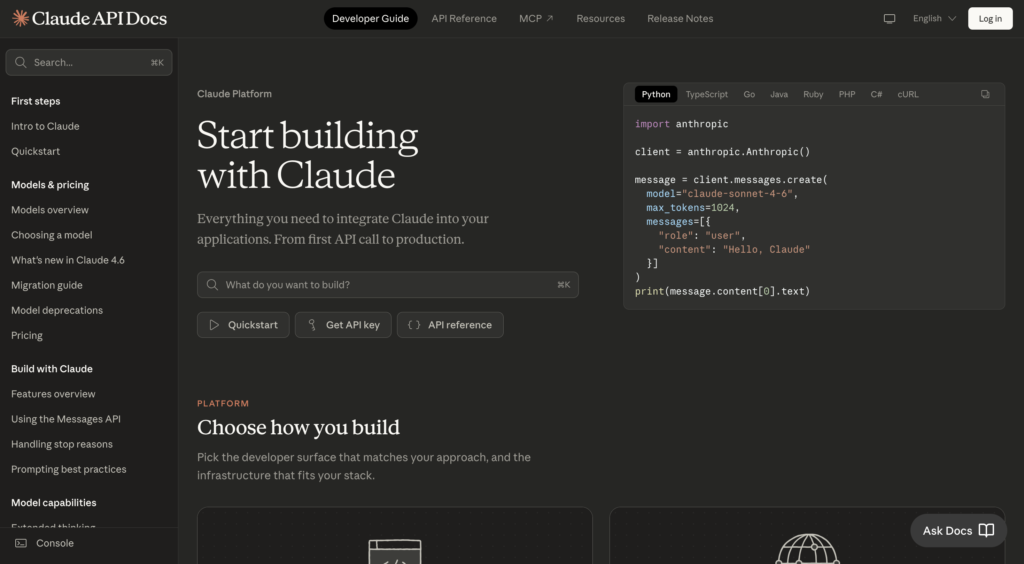
Claude is known for being more “controlled” and safer in long conversations.
Why it’s useful:
- Handles long context really well
- Great for structured outputs
Use cases:
- Document analysis
- Legal or research tools
- Long-form content generation
3. Google Gemini API
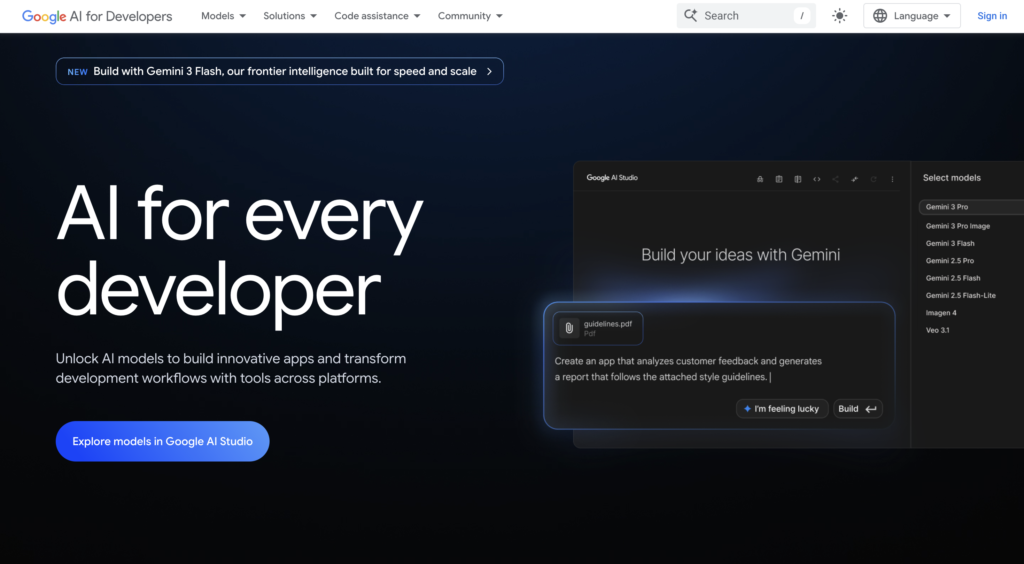
Google’s AI ecosystem is getting really strong, especially if you’re already using Firebase or Google Cloud.
Why it’s useful:
- Multimodal (text, images, more)
- Works well with Google products
Use cases:
- Smart search features
- AI-powered dashboards
- Knowledge assistants
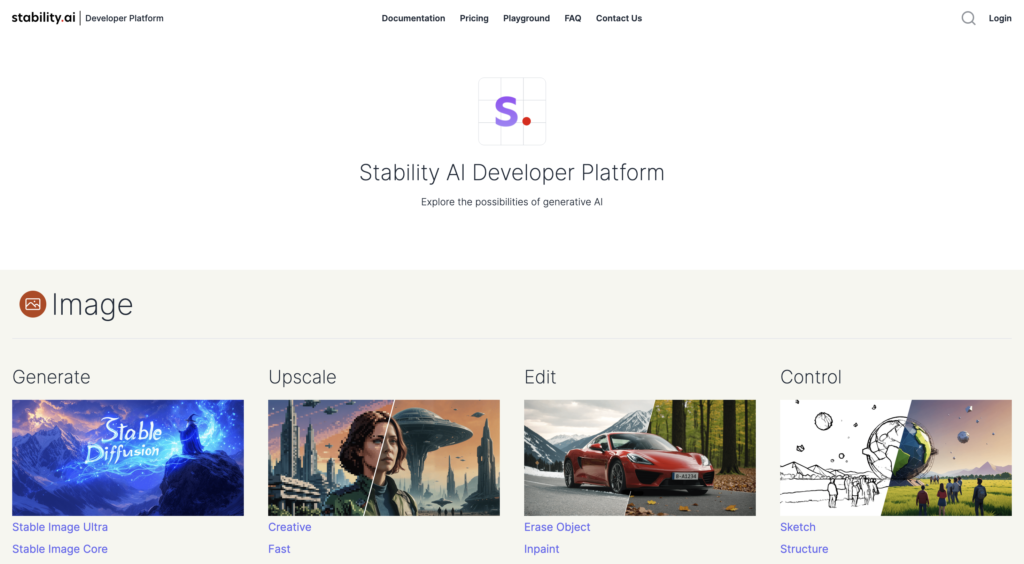
4. Stability AI API
This is very useful for generating images inside your app.
Why it’s useful:
- Open and flexible
- Good alternative to proprietary image APIs
Use cases:
- AI art generators
- Thumbnail creators
- Design tools
5. Hugging Face Inference API
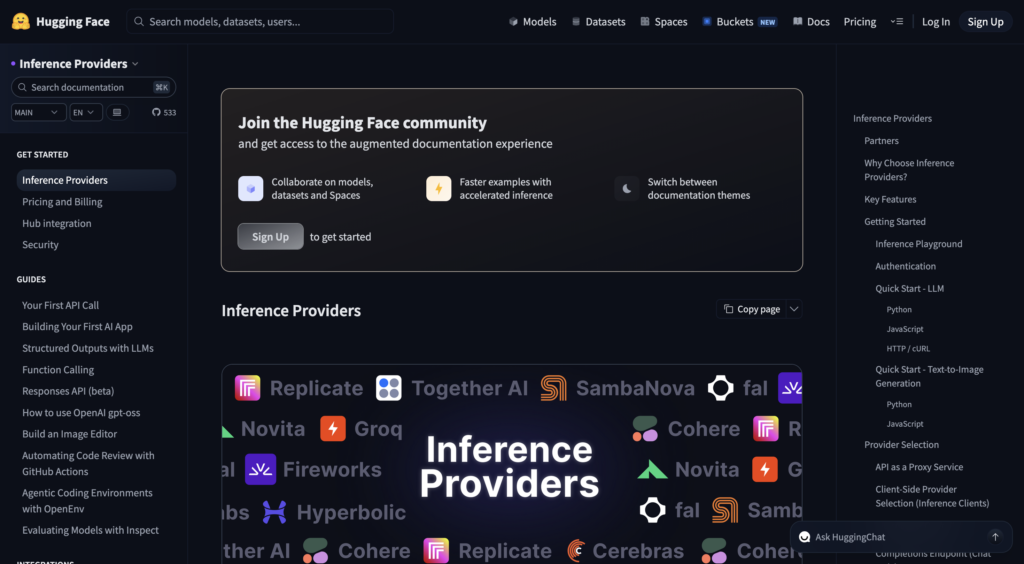
You can think of it like a GitHub for AI models, but instead of just browsing them, you can actually use them directly through an API.
Why it’s useful:
- Huge model library
- Supports NLP, vision, audio
Use cases:
- Sentiment analysis
- Text classification
- Named entity recognition
6. ElevenLabs API
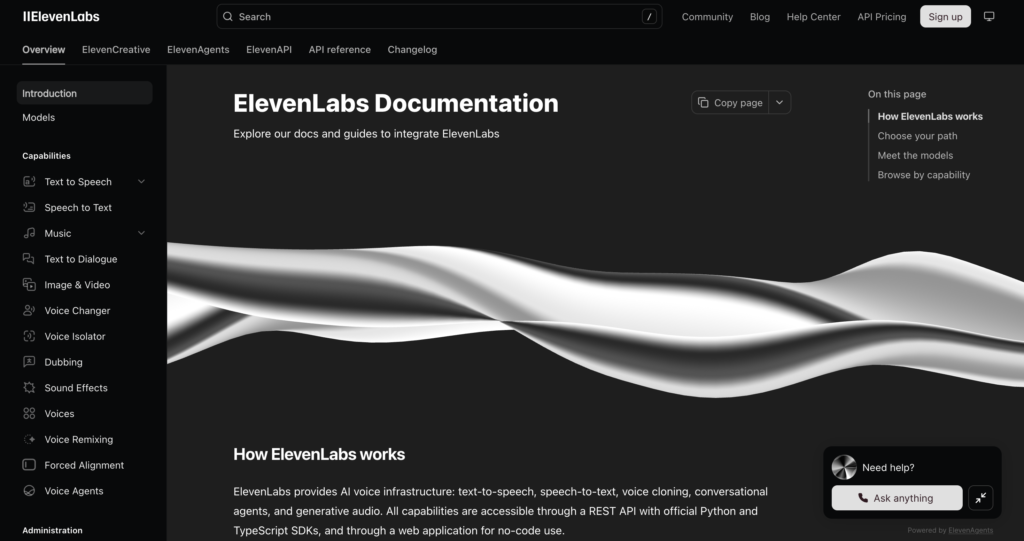
It’s useful for super realistic voice generation.
Why it’s useful:
- Human-like voices
- Great for storytelling or voice assistants
Use cases:
- Audiobooks
- AI voice assistants
- Accessibility features
7. AssemblyAI API
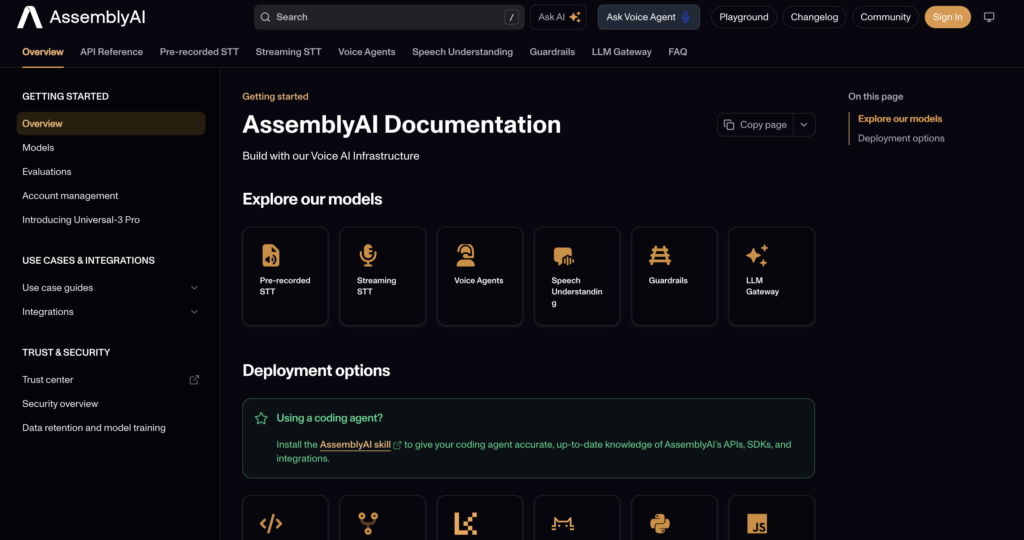
If your app deals with audio, this is a solid choice.
Why it’s useful:
- Accurate transcription
- Extra features like summarization & sentiment
Use cases:
- Podcast transcription
- Meeting notes
- Voice-based apps
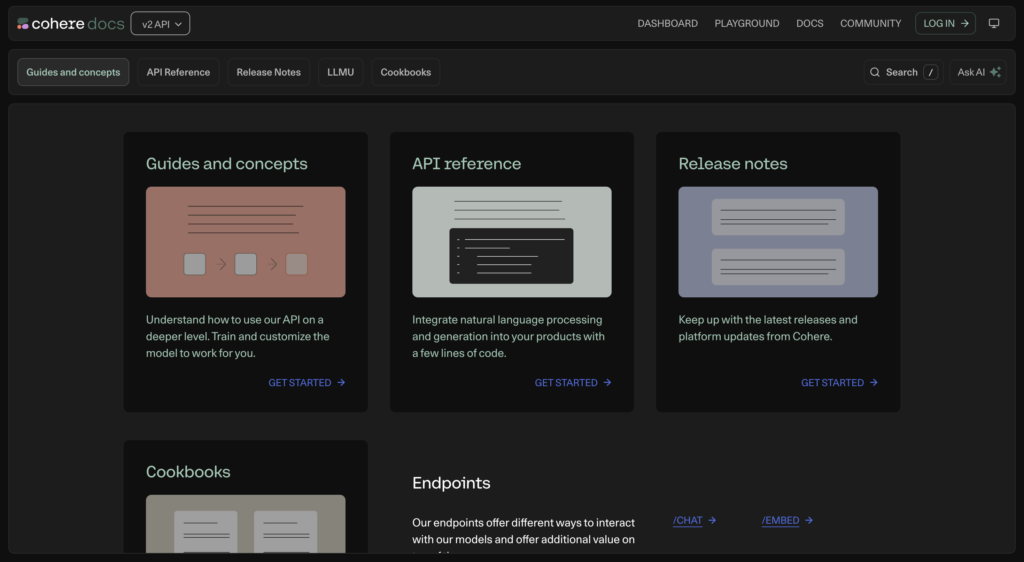
8. Cohere API
It’s great for NLP-focused apps.
Why it’s useful:
- Strong text embeddings & classification
- Easy to integrate
Use cases:
- Search ranking
- Text summarization
- Content moderation
9. Replicate API
This one is underrated.
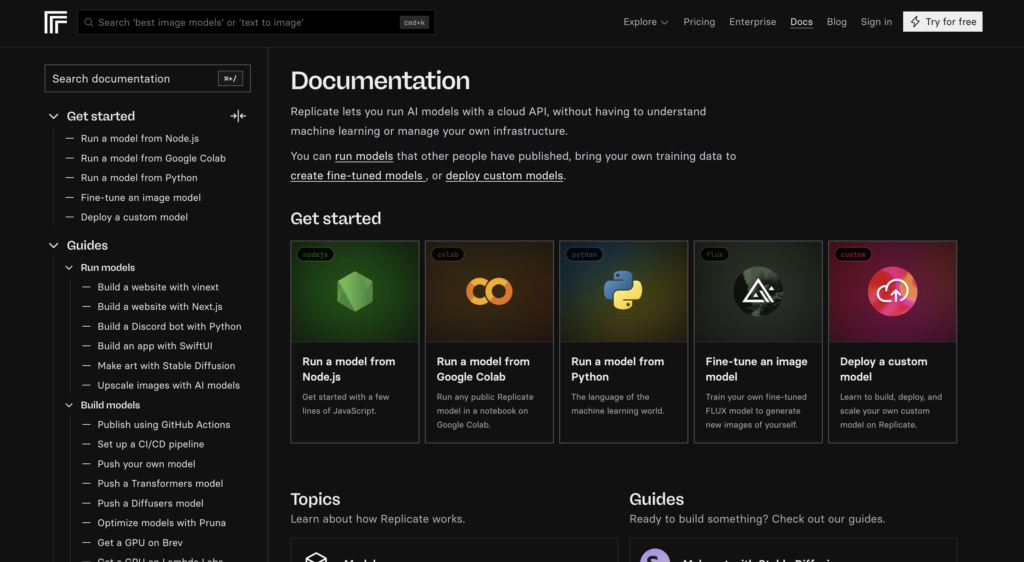
Replicate lets you run open-source AI models via API without managing infrastructure.
Why it’s useful:
- Access to multiple models (image, video, audio)
- No need to host models yourself
Use cases:
- AI video tools
- Face generation
- Style transfer apps
10. DeepL API
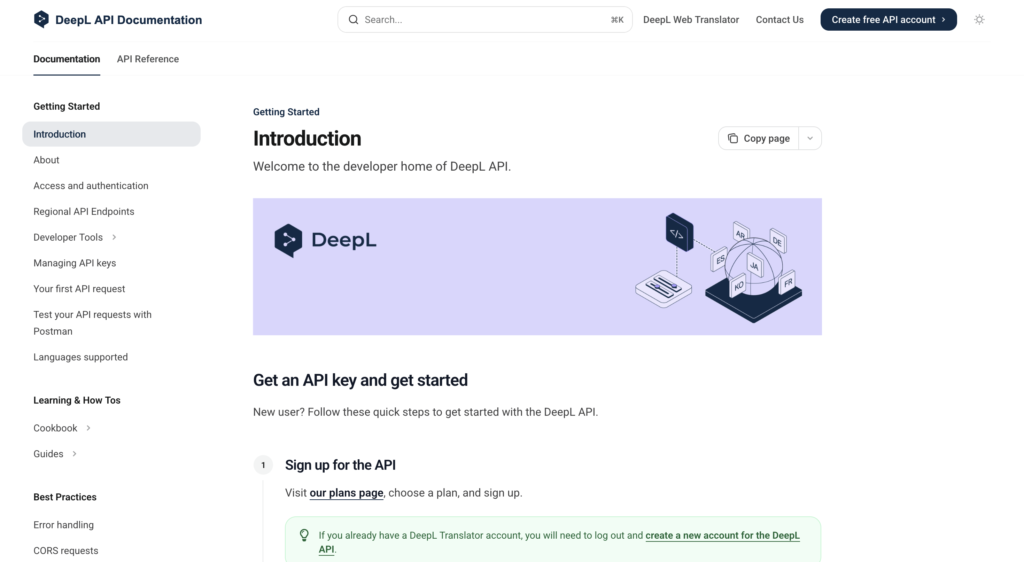
If your app needs high-quality translations, DeepL is one of the best options out there.
Why it’s useful:
- Extremely accurate translations (often better than typical alternatives)
- Supports multiple languages with natural tone
- Also offers writing improvements (DeepL Write)
Use cases:
- Multi-language SaaS apps
- Content localization
- Translating user-generated content
- AI-powered writing assistance
11. Pinecone API
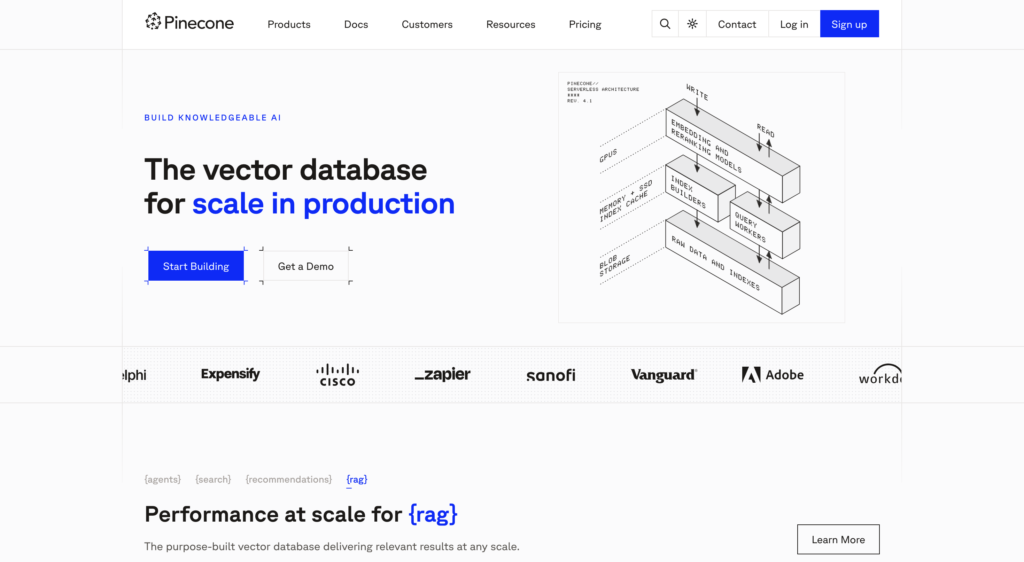
This is not exactly an “AI model,” but critical for AI apps.
Why it’s useful:
- Stores embeddings for semantic search
- Enables retrieval-based AI systems
Use cases:
- AI search engines
- Chat with your data
- Recommendation systems
That’s all for today!
I hope you find this list of AI APIs helpful!
These are great options to start with, whether you’re adding AI to your app for the first time or improving something you’ve already built.
If you enjoy my work and want to support what I do buy me a coffee!
Every small gesture keeps me going! 💛
Follow me on X (Twitter) to get daily web development tips & insights.
Enjoyed reading? You may also find these articles helpful.
16 Free Resources to Learn Web Development in 2026