QA teams face the same pressure every release cycle: ship fast, break nothing, document everything. A poorly matched testing tool slows all of that down. It can quietly erode test coverage, inflate maintenance hours, and leave gaps that only show up in production.
Choosing which software testing tools to adopt is one of the more practical decisions a team lead or engineering manager makes, and it is worth approaching with a clear view of what each option does well and where it falls short.
Introducing Emma Acorn as a guest writer!
Emma writes about software testing and quality assurance. She covers test automation, cross-browser testing, and how QA teams can choose tools that fit their workflows.
Why QA Teams Need The Right Testing Tools
A useful overview of software testing tools goes beyond automation frameworks. It maps the full testing stack, from UI validation and cross-browser coverage to load testing and AI-assisted test authoring. A good fit shortens feedback loops. A poor fit creates a maintenance burden that can cost more engineering time than the manual testing it replaced.
QA teams today deal with sprawling application surfaces: web, mobile, APIs, and microservices. No single tool covers all of them equally well. The goal isn’t to assemble as many tools as possible, but to find the ones that fit your stack, your team’s skill set, and your release cadence without producing fragile, hard-to-maintain test suites.
The five platforms below represent different approaches: AI-driven test authoring, model-based enterprise automation, and cloud execution on real devices and browsers.
1. Functionize
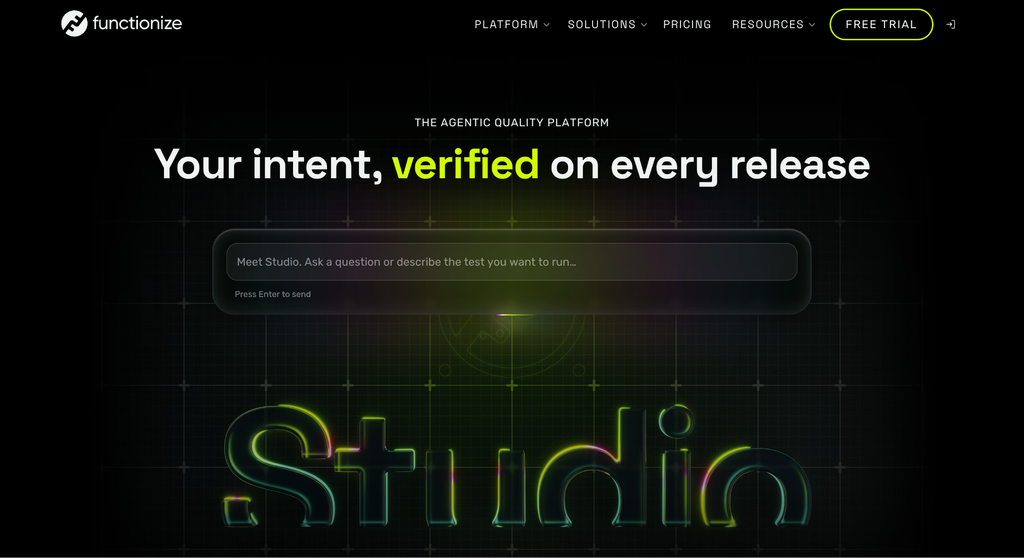
What it does: Functionize is a San Francisco company whose product, Functionize Studio, launched in July 2026. Studio uses AI agents to build, run, and repair end-to-end tests for web applications. Testers describe a flow in plain language, and the platform generates the test steps and verifications, then runs them across browsers in parallel.
Where it fits: Studio is aimed at QA teams that want to reduce scripting and selector maintenance. According to Functionize’s architecture page, its element model was trained on more than 200 million UI data points, and each automated fix is saved as a restore point that can be reviewed and rolled back. The platform is SOC 2 Type II certified. Functionize lists GE Healthcare, McAfee, Markel, Geico, and Alight among its customers, and its launch announcement notes that Honeywell runs well over 50,000 tests through Functionize pipelines. On G2, it holds a 4.6 out of 5 rating from 11 reviews.
Limitations to consider: Studio’s published focus is web UI testing, so teams that need native mobile app coverage will need a separate tool. Studio is a new product, and its review base is still small. Pricing is credit-based, which takes some planning to estimate.
Pricing & plans: A free plan includes 800,000 monthly credits with no time limit. Paid plans start at $20 per month (Growth) and $100 per month (Scale), with custom Enterprise pricing.
2. Tricentis Tosca
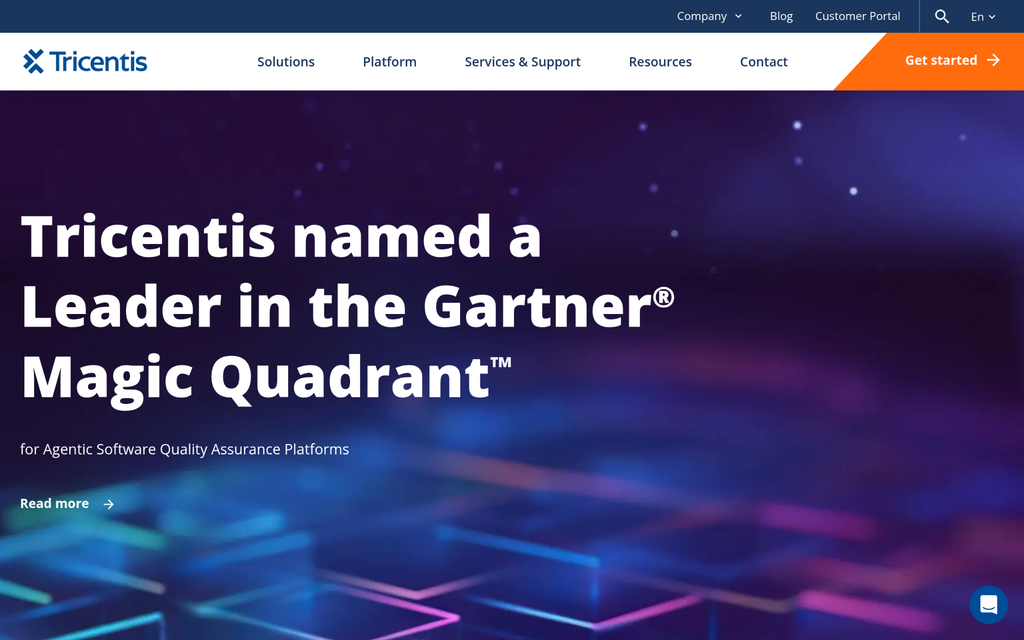
What it does: Tricentis Tosca is a codeless, model-based test automation platform built for enterprise software. Its model-based approach separates test logic from the application’s technical details, so one change to the model can update many test cases at once. Tricentis says Tosca supports more than 200 enterprise technologies, including SAP, Workday, and Salesforce.
Where it fits: Tosca suits large organisations running complex regression suites across business-critical systems. Its Vision AI capability, introduced in 2020, recognises UI elements visually rather than relying on the underlying code. Newer releases add AI agents that generate end-to-end tests from plain-language descriptions, plus a cloud execution grid for running tests in parallel.
Limitations to consider: Tosca is built around enterprise-scale deployments, and the model-based approach takes time to learn. Smaller teams or developer-led teams that prefer writing code may find it heavier than they need.
Pricing & plans: Pricing is not published. Tricentis offers a demo and a free trial.
3. BrowserStack
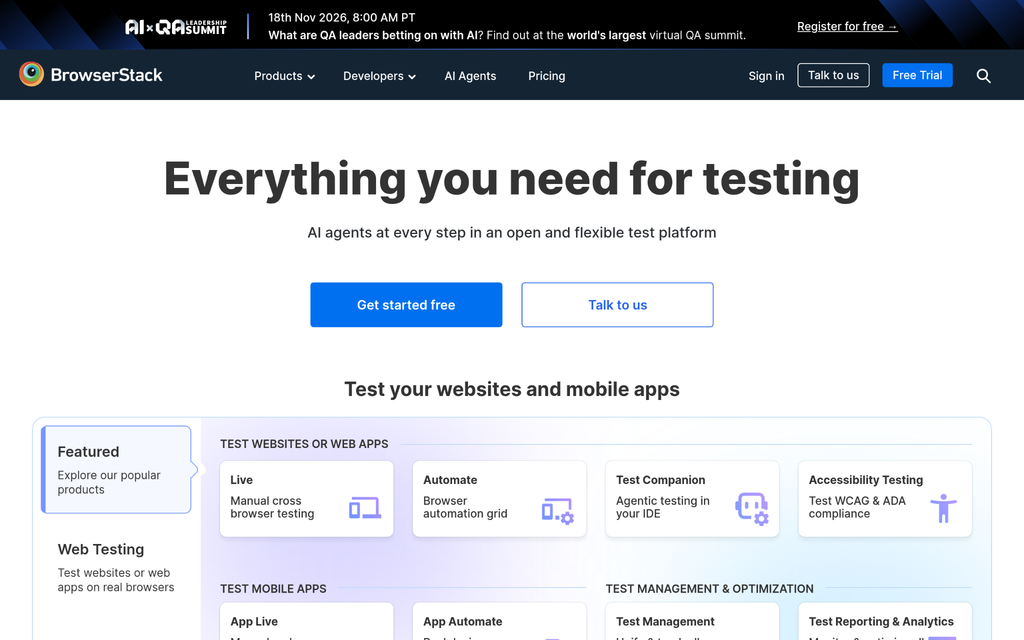
What it does: BrowserStack is a cloud testing platform that lets teams run manual and automated tests on real devices and browsers without maintaining a device lab. Founded in 2011, the company reports more than 50,000 customers across 135+ countries, 7 million developer sign-ups, and access to 3,500+ real devices and browsers.
Where it fits: BrowserStack’s main strength is execution coverage. Teams that already write tests in Selenium, Playwright, Cypress, or Appium can run them on BrowserStack’s cloud, and its product line also covers live interactive testing, app testing, and visual testing through Percy. BrowserStack has been named to the Forbes Cloud 100 five times, most recently in 2025.
Limitations to consider: BrowserStack is mainly an execution layer. Teams still write and maintain their own test scripts, so it doesn’t, by itself, reduce authoring or maintenance work. Costs grow with the number of parallel sessions and products a team needs.
Pricing & plans: Live testing for desktop and mobile starts at $39 per month, and Automate starts at $99 per month, both billed annually.
4. Sauce Labs
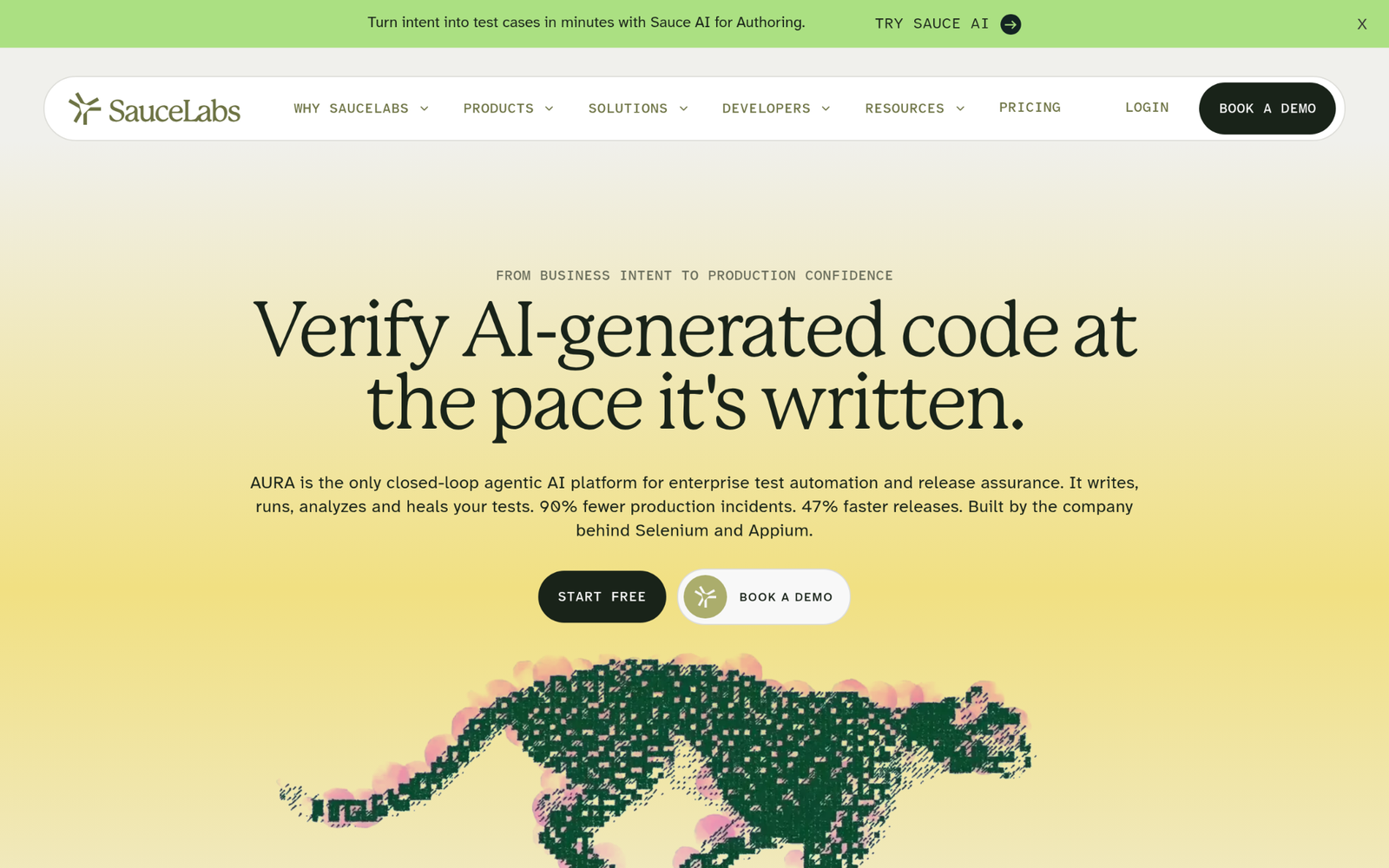
What it does: Sauce Labs provides a cloud platform for web and mobile testing, covering live testing, automated testing on virtual and real devices, visual testing, and error reporting. The company was founded in 2008, and says it was started by the creators of Selenium and Appium.
Where it fits: Sauce Labs suits teams that need scale and broad device coverage. In May 2025, the company said it had passed 8 billion tests executed, with more than 300,000 users, over 9,000 real mobile devices, and 800+ browser and OS combinations. Walmart, Bank of America, and Indeed are among the customers it names. Its Continuous Testing Cloud won the 2025 SIIA CODiE Award for Best Debugging and Testing Tool.
Limitations to consider: Like BrowserStack, Sauce Labs is primarily an execution platform, so test authoring and upkeep still sit with the team. Some products, such as visual testing and error reporting, are priced separately through sales.
Pricing & plans: Live Testing starts at $39 per month with annual billing, or $49 per month with monthly billing. Virtual Device Cloud is $149 per month, and Real Device Cloud is $199 per month billed annually. Enterprise plans are quoted by sales, and free trials are available.
5. Virtuoso QA
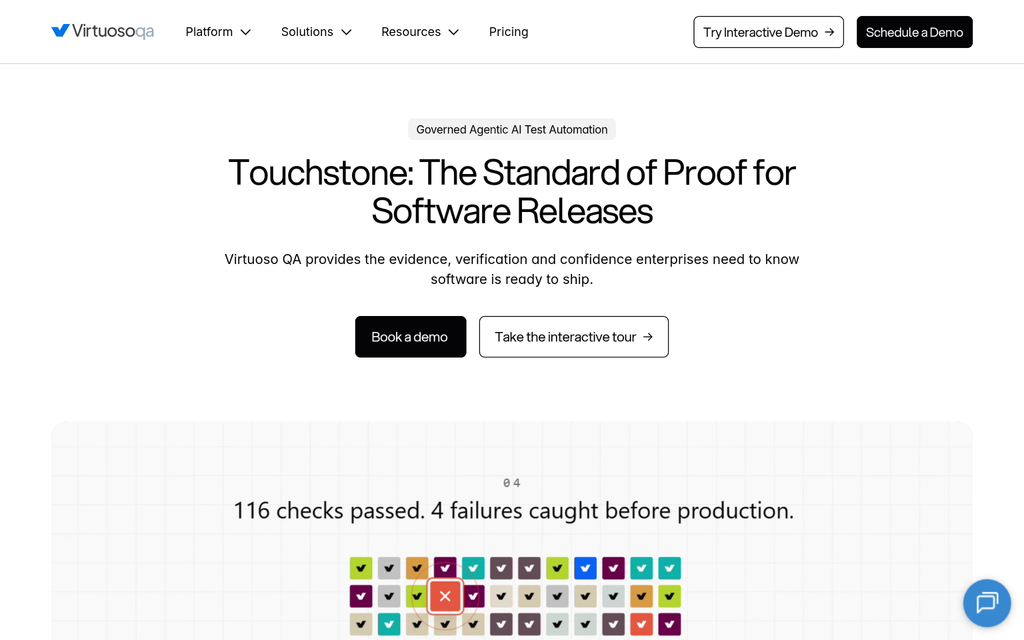
What it does: Virtuoso QA is a test automation platform for browser-based applications, founded in 2017. Tests are written the way a person would describe them, without locators or code, and a deterministic engine runs them in the team’s existing CI pipeline.
Where it fits: Virtuoso targets enterprise teams testing applications such as Dynamics 365, Salesforce, SAP, and Oracle. Its self-healing feature proposes fixes as reviewable changes when the application changes. The company reports that customers see up to 85% less maintenance and 50% lower QA costs. These are vendor-reported figures, so they’re worth validating in a trial.
Limitations to consider: Pricing is not published, which makes early budget comparison harder. Like most AI-driven authoring platforms, its focus is browser-based applications rather than native mobile apps.
Pricing & plans: Pricing is quote-based across several tiers, and a 14-day free trial is available.
How to Pick the Right Tool for Your Team
Start with your testing surface, not a feature list. A team doing mostly cross-browser web testing has very different needs from one running enterprise regression suites across hundreds of business-process flows. Match the tool to where your biggest testing bottleneck actually sits.
Skill mix matters as much as capability. Platforms with no-code or natural-language authoring reduce setup time and let non-engineers contribute. But if your team is developer-heavy and already writes Playwright or Selenium scripts, a cloud execution layer like BrowserStack or Sauce Labs may deliver more value than a new authoring layer. Broader comparisons, such as Functionize’s overview of software testing tools or user reviews on G2, can help narrow the field before you commit to trials.
Budget structure is another variable. Some teams do well with usage-based pricing, such as credits or parallel sessions, while others prefer flat subscriptions for predictable costs. And it is worth checking before a trial, not after, whether the platform works cleanly with your CI/CD pipeline, test management system, and issue tracker.
Don’t overlook maintenance overhead. A tool that’s fast to set up but produces brittle tests is a net loss. If your application changes often, weigh how each tool handles UI changes and whether you can review the fixes it makes.
Bottom Line
Choosing software testing tools comes down to understanding where your team spends its time today and where that time is wasted most. Whether the pain is slow test authoring, fragile automation, or a lack of real-device coverage, each platform on this list addresses a different part of the problem. Vendor-reported figures are a starting point, not a guarantee, so run trials with your own test cases rather than relying on demos, and the right fit will become clear quickly.